
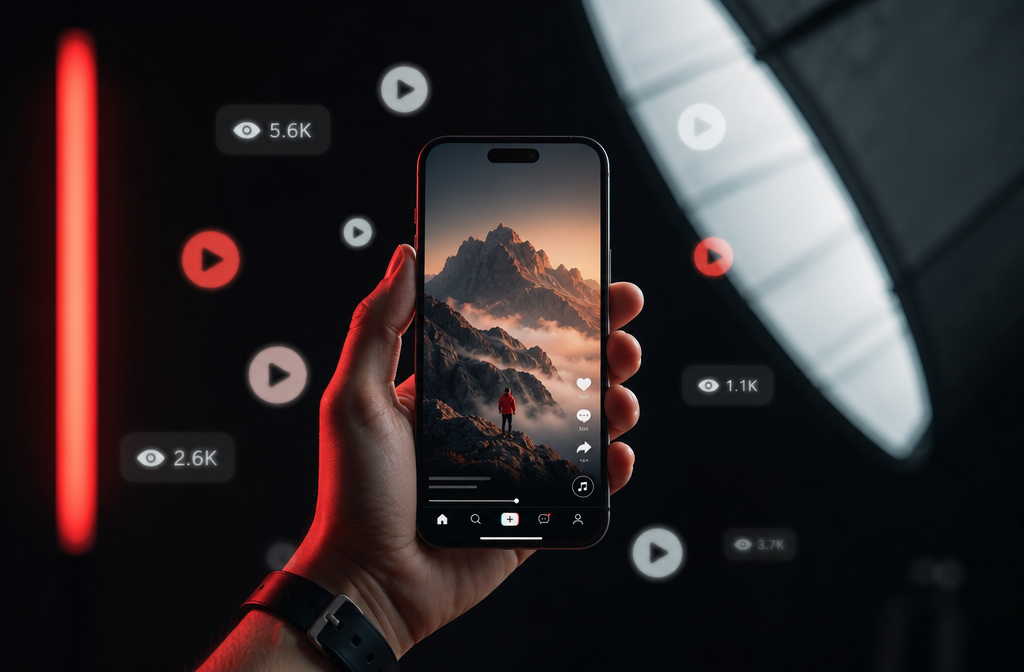
Quick Answer: YouTube Shorts is one of the fastest ways to grow a channel in 2026, but posting alone won’t cut it. The 16 YouTube Shorts strategies covered here — from hook writing to cross-platform repurposing — give you a practical, step-by-step system to get more views, attract subscribers, and build real momentum, whether you’re brand new or already posting regularly.
Key Takeaways
- YouTube Shorts are vertical videos up to 3 minutes long, distributed through a dedicated feed separate from regular YouTube content.
- The first 1-3 seconds of a Short determine whether viewers stay or scroll — nail the hook every time.
- Shorts can earn ad revenue through the YouTube Partner Program, but rates are generally lower per view than long-form videos.
- A smartphone is all you need to start; good lighting matters more than an expensive camera.
- Education, quick tutorials, comedy, and “before and after” content consistently perform well in Shorts.
- Shorts actively push your content to new audiences, making them one of the best tools for channel growth as a beginner.
- Repurposing existing long-form content into Shorts is a legitimate and effective strategy.
- Thumbnails and titles still matter on Shorts, even though the feed is algorithm-driven.
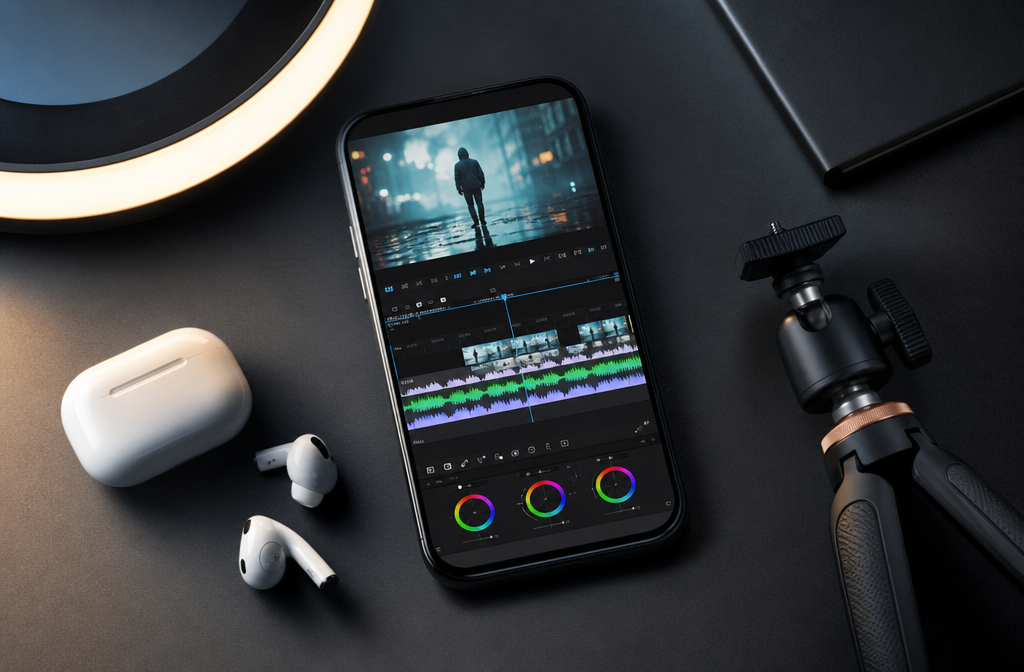
What Exactly Are YouTube Shorts and How Are They Different from Regular YouTube Videos?
YouTube Shorts are vertical videos up to 3 minutes long, designed for mobile viewing and distributed through a dedicated Shorts feed on YouTube. Unlike regular YouTube videos — which live on your channel page and rely heavily on search and subscriptions — Shorts are pushed to viewers algorithmically, similar to how TikTok surfaces content.
The key differences come down to format, discovery, and intent:
| Feature | YouTube Shorts | Regular YouTube Videos |
|---|---|---|
| Orientation | Vertical (9:16) | Horizontal (16:9) |
| Max length | 3 minutes | No hard limit |
| Primary discovery | Algorithmic Shorts feed | Search + subscriptions |
| Monetisation | Shorts ad revenue pool | Standard ad revenue |
| Viewer intent | Quick browsing | Intentional watching |
Shorts also have their own analytics tab in YouTube Studio, so you can track performance separately from your long-form content.
How Long Should YouTube Shorts Be to Get the Most Views?
Shorts can be up to 3 minutes long, but shorter is usually better for retention. Videos between 15 and 60 seconds tend to perform strongest because they’re easy to rewatch — and rewatches signal quality to the algorithm.
A good rule of thumb: make your Short exactly as long as it needs to be. Cut everything that doesn’t serve the point. If you can say it in 30 seconds, don’t stretch it to 90.
- 7-15 seconds: Best for punchy reactions, quotes, or single tips
- 30-60 seconds: Sweet spot for tutorials, mini-stories, and “how to” content
- 60-180 seconds: Works for more complex explanations, but retention must stay high throughout
How Much Money Can You Actually Make from YouTube Shorts?
Shorts monetisation is real, but the numbers are modest compared to long-form videos. Through the YouTube Partner Program (YPP), Shorts creators earn a share of ad revenue from ads shown between videos in the Shorts feed — not from ads inside their individual videos.
YouTube has not published a fixed CPM (cost per thousand views) for Shorts, and rates vary by niche, location, and season. Most creators report significantly lower per-view earnings from Shorts than from long-form content. The bigger financial opportunity with Shorts is indirect: using them to grow your subscriber count, drive traffic to long-form videos, and attract brand sponsorships.
To qualify for YPP Shorts monetisation, you need 500 subscribers and 3,000 watch hours (or 3 million Shorts views in 90 days) for the basic tier, or 1,000 subscribers and 4,000 watch hours for full monetisation. Check out our guide on how to get YouTube sponsors for ways to earn beyond ad revenue.
What Equipment Do You Need to Start Making Good YouTube Shorts?
Your smartphone is enough to start. Most current flagship phones shoot 4K video, and the vertical format is exactly what Shorts requires — no adapter needed.
The gear that actually moves the needle:
- Lighting: A basic ring light or a well-placed window makes the biggest visual difference. See our best lights for vlogging and YouTube for budget-friendly picks.
- Audio: Built-in phone mics work for B-roll, but if you’re talking to camera, a clip-on or wireless mic improves clarity fast. Our wireless microphone guide covers the best options.
- Stabilisation: A small tripod or phone grip keeps your shots steady.
- Optional: An iPhone lens attachment can improve wide-angle or close-up shots without buying a new camera.
If you want to step up your setup later, check out best vlogging cameras with a flip screen — many shoot vertical video natively.
Which Niches and Types of Content Perform Best on YouTube Shorts Right Now?
In 2026, the Shorts formats that consistently pull high view counts are quick tutorials, satisfying process videos, relatable comedy, rapid-fire tips, and “before and after” transformations. Niche matters less than format — a well-executed hook in almost any category can go wide.
That said, these content categories tend to see strong Shorts performance:
- Education and how-to: “One tip in 30 seconds” style content
- Finance and productivity: Quick actionable advice
- Fitness: Short workout demos or form corrections
- Food: Fast recipes or satisfying cooking clips
- Gaming: Highlights, fails, and reaction moments
- Faceless content: Screen recordings, voiceover tutorials, and animated explainers (see our faceless YouTube video ideas guide for inspiration)
Common mistake: Trying to cover too much in one Short. One idea, one video. That’s the format.
Are YouTube Shorts Good for Businesses or Just Individual Creators?
Shorts work well for both, but the strategy differs. Individual creators use Shorts to grow an audience and funnel viewers to longer content. Businesses use them to increase brand awareness, showcase products quickly, and reach new customers without a large production budget.
For businesses, Shorts are particularly effective for:
- Product demos under 60 seconds
- Customer testimonials or quick reviews
- Behind-the-scenes clips that humanise the brand
- Answering common customer questions
The key for businesses is consistency and a clear call to action — even if that CTA is just “watch our full video” or “link in bio.”
What Are the Most Common Mistakes People Make with YouTube Shorts?
The biggest mistake is a weak or missing hook. If your first two seconds don’t grab attention, viewers scroll and your retention rate tanks. Low retention tells the algorithm your content isn’t worth pushing.
Other frequent mistakes:
- No clear point: Rambling without a payoff frustrates viewers.
- Wrong aspect ratio: Uploading horizontal video as a Short looks unprofessional.
- Ignoring captions: Many viewers watch without sound. Captions keep them engaged.
- Posting inconsistently: One viral Short followed by two weeks of silence loses momentum.
- Skipping the title: Titles still affect discoverability. Don’t leave them blank or generic.
For a broader look at what holds channels back, read 7 YouTube mistakes that kill channel growth.
How Do YouTube Shorts Compare to TikTok and Instagram Reels?
All three platforms use short vertical video and algorithmic distribution, but they differ in audience, discoverability, and monetisation.
| Platform | Audience | Monetisation | Discovery strength |
|---|---|---|---|
| YouTube Shorts | Broad, search-native | YPP ad share | Strong via YouTube search |
| TikTok | Younger, trend-driven | Creator Fund + gifts | Strongest viral reach |
| Instagram Reels | Lifestyle, visual niches | Bonus programs (limited) | Strong within Instagram ecosystem |
YouTube Shorts has one major advantage: your Short lives on your YouTube channel permanently and can be found through search. TikTok content is more ephemeral. If you’re already on YouTube, Shorts is the natural starting point because it feeds your existing channel’s growth.
Can You Repurpose Existing Content into YouTube Shorts?
Yes, and it’s one of the most efficient content strategies available. Take a 10-minute tutorial, pull out the single best tip, reframe it as a standalone Short, and you’ve doubled your output without doubling your work.
Repurposing works best when you:
- Extract a self-contained moment, not a clip that requires context
- Add captions, since the audio context from the original video won’t carry over
- Reframe the hook so it works as a standalone opener
- Crop to 9:16 if your original footage was horizontal
You can also flip the process — film Shorts first, then expand the best-performing topics into full videos. This is a smart way to structure your YouTube channel for growth.
What Editing Apps Work Best for Creating YouTube Shorts?
CapCut is the most widely used free app for Shorts editing in 2026, with built-in templates, auto-captions, and vertical format presets. It’s available on iOS and Android. For desktop editing, DaVinci Resolve (free version) handles vertical timelines well.
Other solid options:
- InShot: Simple, mobile-first, great for quick cuts
- Adobe Premiere Rush: Good if you’re already in the Adobe ecosystem
- YouTube’s built-in editor: Basic but functional for simple Shorts
For a full breakdown of free options, see our best free vlogging software guide.
How Do YouTube Shorts Help Grow Your Overall YouTube Channel?
Shorts expose your channel to viewers who would never have found you through search alone. When someone watches a Short and taps your channel name, they land on your full channel page — where your long-form videos are waiting.
This cross-format funnel is one of the most effective growth mechanisms on YouTube right now. Shorts build awareness; long-form content builds loyalty and watch time.
To make the funnel work:
- Keep your channel page clean and your long-form content clearly organised
- Use Shorts to tease topics you cover in depth in longer videos
- Pin a long-form video to your channel so new visitors have somewhere to go
If your channel isn’t growing despite consistent posting, check out why most YouTube channels never get views for a diagnostic approach.

Are YouTube Shorts Good for Beginners or Do You Need an Existing Audience?
Shorts are one of the best formats for beginners precisely because they don’t require an existing audience. The algorithm distributes Shorts based on content quality and viewer behaviour, not subscriber count.
A channel with zero subscribers can get 100,000 views on a Short if the hook is strong and the retention is high. That said, those views only convert to subscribers if your channel has more content worth watching.
Beginner tip: Post at least 5-10 Shorts before expecting consistent traction. The algorithm needs data to understand who to show your content to.
What Thumbnails and Titles Get the Most Clicks on YouTube Shorts?
Thumbnails matter less on Shorts than on long-form videos because most views come from the Shorts feed, where the video autoplays. But thumbnails do appear when your Short shows up in search results or on your channel page — so they’re still worth getting right.
For thumbnails:
- Use a high-contrast frame from the video
- Show a face or a clear subject — not a blank background
- Avoid cluttered text; one short phrase maximum
For titles:
- Lead with the benefit or the question (“How to fix shaky phone footage in 30 seconds”)
- Keep it under 60 characters so it doesn’t get cut off
- Include a relevant keyword naturally
For a deeper dive into what makes thumbnails perform, read why your YouTube thumbnails aren’t getting clicks.
The 16 YouTube Shorts Strategies at a Glance
Here’s the full list of strategies covered across this guide, plus a few additional tactics to round out your approach:
- Write a hook that delivers value in the first 2 seconds
- Keep videos between 30-60 seconds for maximum retention
- Use captions on every Short
- Post on a consistent schedule (3-5x per week is a solid target)
- Repurpose your best long-form moments into Shorts
- Use trending audio when it fits your content naturally
- End with a soft CTA (“watch the full video” or “follow for more”)
- Optimise your title with a relevant keyword
- Choose a strong thumbnail frame
- Respond to comments to boost engagement signals
- Study your Shorts analytics weekly — drop time is the most important metric
- Test different hooks for the same topic
- Create series-based Shorts (part 1, part 2) to encourage return visits
- Use text overlays to reinforce your spoken points
- Film in good light — it’s the single biggest quality upgrade
- Cross-post to Reels and TikTok to maximise reach from one piece of content
Interactive YouTube Shorts Strategy Selector
YouTube Shorts Strategy Finder
Answer two quick questions and get your top 3 recommended strategies from the 16 in this guide.
Your Top 3 Strategies

Frequently Asked Questions
Do YouTube Shorts hurt your long-form video performance?
No. Shorts and long-form videos use separate distribution systems. Shorts views don’t dilute your long-form watch time, and many creators find that Shorts actively funnel new viewers to their longer content.
How often should you post YouTube Shorts?
Three to five times per week is a strong starting point. Consistency matters more than frequency — posting twice a week every week beats posting ten times in one week and then going quiet.
Can you monetise YouTube Shorts without 1,000 subscribers?
Yes. YouTube’s basic monetisation tier (500 subscribers + 3 million Shorts views in 90 days) allows access to channel memberships and Super Thanks, but not full ad revenue sharing. Full ad revenue requires 1,000 subscribers and 4,000 watch hours.
Do hashtags help YouTube Shorts get more views?
Hashtags have a minor effect on Shorts discoverability. Using 3-5 relevant hashtags in your title or description is worth doing, but it’s far less impactful than a strong hook and high retention rate.
Should you delete YouTube Shorts that perform poorly?
Generally, no. A Short that gets low views initially can pick up traction weeks later if the algorithm tests it again. Deleting removes any chance of a delayed spike and can disrupt your channel’s content history.
Can YouTube Shorts be longer than 60 seconds?
Yes. YouTube extended the maximum Shorts length to 3 minutes in 2024. Videos under 60 seconds still tend to get the strongest retention, but longer Shorts work well for topics that genuinely need more time.
Do you need to show your face in YouTube Shorts?
No. Screen recordings, voiceovers, animation, and text-based Shorts all perform well. See our guide to video ideas without showing your face for specific formats that work.
What’s the best time to post YouTube Shorts?
There’s no universal best time. Check your YouTube Studio analytics under “When your viewers are on YouTube” and post 1-2 hours before your peak traffic window. Your audience’s habits matter more than general advice.
Can YouTube Shorts go viral without any subscribers?
Yes. The Shorts feed is algorithmically driven, not subscription-driven. A well-executed Short from a brand-new channel can reach millions of viewers if early retention signals are strong.
Is it worth posting the same Short on TikTok and Instagram Reels?
Yes, with one caveat: remove the TikTok watermark before uploading to Reels, and remove the Reels watermark before uploading to YouTube. Each platform deprioritises content with a competitor’s branding.
Conclusion
The 16 YouTube Shorts strategies in this guide aren’t theory — they’re a practical system you can start applying today. Begin with the fundamentals: a strong hook, consistent posting, and captions on every video. Once those habits are in place, layer in repurposing, series-based content, and cross-platform distribution.
Your next step is simple. Pick one strategy from the list above — just one — and apply it to your next Short. Check your retention rate in YouTube Studio 48 hours after posting. That single data point will tell you more than any general advice can.
For a broader look at building a channel that grows consistently, the YouTube channel audit checklist is a solid next read.
Sources:
- YouTube Help Center — YouTube Partner Program eligibility requirements. Google, 2024. https://support.google.com/youtube/answer/72851
- YouTube Official Blog — Shorts monetisation updates. Google, 2023. https://blog.youtube/news-and-events/youtube-shorts-monetization/


