
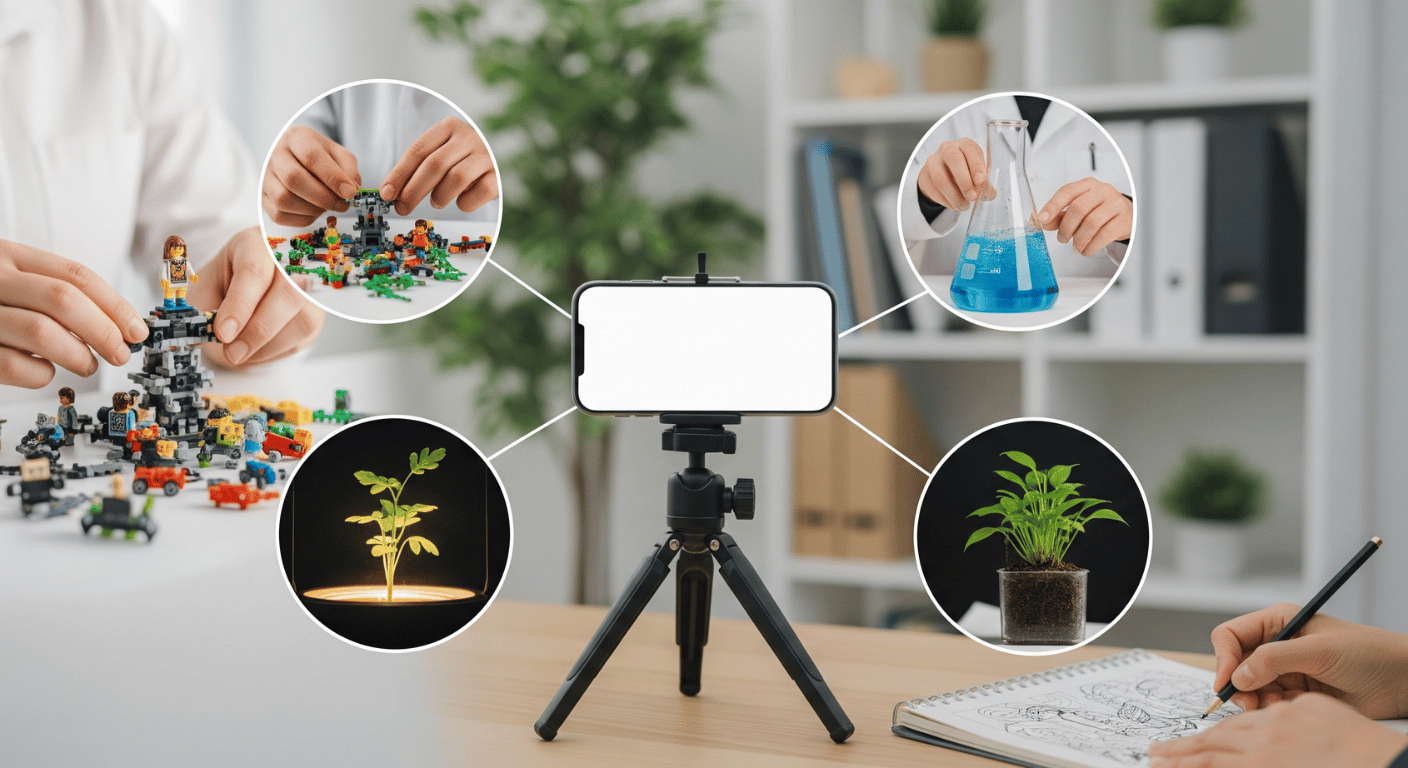
Thinking about starting a YouTube channel? Awesome! That is, without a doubt, one of the best moves you can make this year. But maybe you’re shy. Maybe you value your privacy. Or maybe you just hate the idea of setting up lighting, doing your makeup, and staring into a lens for hours. Well, friend, you are not alone, and you’ve found the perfect starting point. I understand that the biggest barrier for many people isn’t a lack of ideas or skill; it’s the anxiety of being seen. The good news is that you don’t have to. You can build a massive, profitable, and genuinely awesome content empire from the comfort of your shadowy studio. We’re going to walk you through an absolute goldmine of 50 faceless youtube video ideas that can help you launch and succeed today. This guide is your new best friend for getting started.
You don’t need a massive lighting rig. You can bypass the anxiety. Forget about your hair. The secret to success on YouTube, especially with a faceless channel, isn’t your pretty mug; it’s the quality of the content and the value you provide. If you give people what they want, they will subscribe. They won’t care that you’re a voice in the void. In fact, many successful faceless channels thrive because people connect more with the pure information or entertainment, without the distraction of a personality. It allows the viewer to focus entirely on what you are showing them. Let’s create something amazing, and let’s start now.
The Foundation: 30 Incredible Faceless Video Ideas Inspired by vloglabs.com
We’re starting with a phenomenal list inspired by the infographic above from vloglabs.com. They provided the core, 30-strong foundation that we’ve expanded on to give you a massive list to choose from. Let’s dive into these categorized niches, many of which can easily generate hundreds of thousands of views and build a dedicated community.
1. The ‘Show & Tell’ Niche (Skills & Demonstrations)
This is one of the most powerful and scalable faceless models. You are the expert, and your audience wants your guidance. You focus on the task, and your hands or a digital screen are your main visual assets. Your voice provides the commentary and instructions.
- Product Unboxing: This is a classic, but for good reason. You only need a simple, overhead camera setup (a tripod pointing down). The magic is in the discovery: the satisfying sound of tearing plastic, the first look at the product, and your honest commentary. It’s simple, scalable, and can be highly lucrative with affiliate links.
- Software Tutorials: The world is running on complex software. Become the guide. Record your screen while you use tools like Photoshop, Excel, or coding platforms. Explain the steps clearly. Break down a big process into 5-minute segments. You are selling efficiency and skill, and you can show everything perfectly without ever leaving your screen.
- DIY Crafts: Show off your artistic side. An overhead camera and a clear voiceover (or just music and sound effects) are all you need. Focus on satisfying close-ups of the materials merging. Tell the story of the creation. People get hooked on the process.
- Coding Tutorials: You are essentially teaching a new language. Show your code on the screen. Type it out in real-time. This isn’t just a tutorial; it’s a study session for your viewer. They copy your movements and absorb the logic through your voice.
- Photography Tutorials: You might think this requires being seen, but it’s the opposite. Use screen recordings of you editing photos in Lightroom. Show split-screen comparisons. POV (point-of-view) video is also incredibly effective: attach a GoPro to your camera and let viewers see the world exactly how you are looking at it, right before you snap the picture.
2. The ‘Curator’ Niche (Reviewing & Sorting)
Your job is filtering the chaos. The internet is overflowing with content, and you provide value by organizing it for others. This niche relies heavily on editing and scripting, but you are the master of ceremonies.
- Top 10 Lists: This format is ancient in internet terms, and it still works. Why? Because we love hierarchy and debate. Pick any niche: Top 10 Horror Movies, Top 10 productivity apps, Top 10 weirdest animal discoveries. Use stock footage, clips, or screenshots, and add dynamic voiceover. You’re giving the viewer an opinionated, structured overview in a quick, bursty package.
- Tech Reviews: Similar to unboxing, but deeper. Test products thoroughly, perhaps showing only your hands holding the device. But the real value isn’t your hands; it’s your analysis, benchmarking data, and comparisons. Create B-roll (background footage) of the tech, and let your detailed analysis be the star.
- Book Summaries: You read a 300-page book so they don’t have to. You are selling people time. Create amazing visual summaries using animation, whiteboard drawings, or creative stock footage. Tell the core story or share the key lessons in 15 minutes. This is pure value and is highly sharable.
- Satisfying Compilations: This is the ultimate “chill and watch” niche. It requires very little voiceover. Your main job is to curate and edit existing (or self-shot) clips: hydraulic presses crushing things, perfectly poured paint, pressure washing, or kinetic sand. Focus on high burstiness and a varied visual pace.
- Data Visualization: This is intellectual gold. Turn boring statistics into beautiful, dynamic graphs and charts that tell a story over time. Show population shifts, GDP growth, or internet usage patterns. You are explaining complex global trends entirely through moving pictures and statistics.
3. The ‘Atmosphere’ Niche (Focus & Relaxation)
You are selling a feeling. People come to your channel to study, sleep, or just breathe. Your video and audio must be exceptional.
- Study With Me: This is an unexpected powerhouse. Set up a static camera focusing on your desk, your open laptop, and maybe some coffee. Play lo-fi beats. You are essentially a digital study buddy. This provides companionship and focus. People literally play these in the background for hours.
- Relaxing ASMR: Focus on the sound. High-quality microphones are your best investment here. You could do whispering, tapping, cooking sounds, or rain footage. The visual can be simple: a rain-slicked window or just hands performing a quiet task. This connects with people on a deeply physical level.
- Nature Footage: If you live near beautiful scenery, get a drone or a high-quality camera. Record stunning 4K footage of mountains, forests, or oceans. Play ambient sounds. No talking needed. This is the definition of relaxing, passive content.
- Meditation Guides: You provide the structure. Create beautiful, calming visuals (like slow-motion water or clouds). Your script is your core asset. Guide your viewers through breathing exercises and visualization techniques. Your voice becomes a soothing anchor.
- Music Playlists: Similar to compilations, you are the filter. Curate specific moods: “8D Audio for Focus,” “Lo-fi for Rainy Nights.” Use simple, looping visuals or relevant artist imagery. You are the digital DJ.
4. The ‘Get Smart’ Niche (Education & Facts)
You are the digital professor, making learning accessible and entertaining. You can use animation, graphics, or archival footage.
- Psychology Facts: Use simple animations, doodles, or infographic styles to explain complex behavioral concepts. Break down ideas like “the bystander effect” or cognitive biases. Keep it short, punchy, and applicable to daily life.
- History Documentaries: You can tell incredibly compelling stories without being seen. Use archival photos, old film reels, maps, and voiceover that keeps the viewer on the edge of their seat. You’re creating cinematic experiences with information.
- Scientific Discoveries: Explain black holes, quantum physics, or the latest breakthroughs in medicine. Break down complex research into stories and visuals people can understand. This is pure enlightenment.
- Facts & Trivia: Similar to Top 10 lists, this is short, bursty information. Do “5 Things You Didn’t Know About…” or “Wild Animal Facts.” This is perfect for driving high engagement and watch time because of how varied and interesting each new point is.
- Language Learning: You can teach grammar, vocabulary, and pronunciation. Record your screen while writing out sentences, or use simple graphics. The most important part is your high-quality audio, which teaches your viewers the correct pronunciation.
5. Specific Power Niches
These niches are highly specific, often complex, but can generate incredible, dedicated audiences.
- Cooking Recipes: Your kitchen is your set. Use close-ups of your hands, the mixing, the textures, and the sizzle. The sound of cooking is almost as important as the sight. Use dynamic overlays for ingredient lists. Let the food be the star, which it already is!
- True Crime Explainers: This requires excellent scripting and research. Tell the stories of complex cases. Use news footage, trial clips, photos (with respect), and a serious, respectful voiceover. This niche is massive, but it demands serious work and ethical consideration.
- Financial Advice: Chart analysis, stock picks, or explaining debt reduction strategies are all possible without a face. Record your screen to show stock charts, use data visualization to show growth, and give clear, step-by-step guidance. People want clear, actionable advice, and charts deliver that better than a face can.
- Gameplay Walkthroughs: You don’t need a “face-cam.” Play a game and give commentary. The value is your strategy, your reaction (in your voice), or just the immersive walkthrough of the game itself. Many gamers prefer not seeing the player.
- Home Organization: Record close-ups of clutter turning into perfect symmetry. Use speeded-up (time-lapse) footage. The burstiness is incredible: chaotic clutter followed by satisfying perfection. You are selling inspiration and control.
Expanding Your Horizon: Adding More to the List
The first 30 ideas give you an incredible foundation. Let’s expand that list with 20 more brilliant, actionable ideas to give you even more choices. We’re filling in the gaps to ensure this truly is your ultimate guide.
- Guided Yoga/Stretching: Use a wide shot of you from behind or side-on, focusing on form, or just use graphics and instructions while you perform the pose.
- Pet/Animal Compilations: You curate the cutest or funniest animal clips from across the web.
- Myth Busters/Urban Legends: Explain whether that weird internet myth is true using graphics, animations, or historical records.
- Sports Highlights/Analysis: Use game footage (within copyright rules) and add voiceover commentary.
- Daily News Recap: Screen-record the day’s headlines, summarize them quickly, and give your (or a neutral) take.
- AI Tutorials: Show your screen while you use ChatGPT, Midjourney, or other new AI tools.
- Stock Market Analysis: Show live or historical charts of the market and walk people through trends.
- Crypto News/Explainers: Explain what a blockchain is or analyze the latest crypto trends.
- Home Decorating Tips: POV tours of decorated spaces or close-ups of how to arrange pillows and art.
- Philosophy Discussions: Discuss deep philosophical ideas (e.g., “The Matrix” and Plato’s Cave) using simple animations or classic art.
- Business Success Stories: Tell the documentary-style story of how famous companies like Nike or Apple started.
- Cleaning Satisfying Before & Afters: Fast, time-lapse videos showing a chaotic space becoming sparkling. High burstiness!
- Workout Routines: Record specific body parts performing exercises (e.g., proper squat form) with graphic overlays.
- Car Repair/Maintenance: Use POV camera under the hood or under the car while your voice explains the process.
- Music Production Beat Making: Show your screen view of the software (Ableton, FL Studio) as you build a track.
- DIY Gardening Hacks: POV shots showing planting, pruning, or creative landscaping projects.
- Movie Analysis: Analyze the symbolism, cinematography, or storytelling of a specific film using clips and voiceover.
- Product Drop/Sneaker News: Do close-up B-roll of the latest releases, discussing materials, price, and hype.
- Creepy Story Narration: Read true or fictional horror stories with atmospheric stock footage or animations.
- Map-Based Explainers: Use map animations to explain conflicts, election results, or historical trade routes.
Master the Faceless Game: 5 Pro-Tips for Success
Starting a channel isn’t just about the idea. It’s about the execution. Here is your playbook for turning any of these ideas into a serious contender on YouTube.
1. Your Voice is Your Face
You cannot afford average audio. If your voice is tinny, echoes, or is filled with background noise, your audience will leave. Their focus will be on the bad sound, not your good content. Invest in a decent microphone. Even a solid USB microphone like a Blue Yeti or a dynamic mic can make an incredible difference. Create a quiet recording space, even if that means throwing blankets over yourself in a closet. People will connect with the texture, warmth, and emotion in your voice, so treat it with the same respect you would a high-end camera.
2. The Power of the Script
If you are not visible, your writing must be exceptional. Your script is your core asset. Break down your topic logically. When using burstiness, follow complex sentences with short, quick, witty one-liners that keep the pacing dynamic. Direct appeals like “Imagine this for yourself…” or “Let’s be real…” involve your audience. Your script is your director’s cut, and your editing is your final performance. Spend serious time drafting and polishing it.
3. Mastering Screen Recording and POV
For many of these ideas, you are a master of digital screen capture. Invest in a good screen recording software. It doesn’t have to be expensive. Use software that allows you to easily draw on the screen, highlight sections, or quickly cut between scenes. Also, get comfortable with Point-of-View camera setups. A tripod that angles down, or even a head or chest mount for a phone or GoPro, can give your audience your perspective, which is deeply engaging.
4. B-roll and Visual Flow
“Dead air” is your enemy. You must never have silence without compelling visuals. If your topic is serious, the screen should be filled with relevant B-roll (stock footage, graphics, news clips, or your own self-shot clips). Use sites like Pexels or Artgrid for high-quality, royalty-free stock footage. The visual flow keeps the viewer’s brain active. Vary the speed and scale of your visual clips to keep the viewer locked in.
5. Create Banger Thumbnails
This is your digital handshake. The thumbnail and title are what make someone stop scrolling. When you’re faceless, this is even more critical. Your thumbnail needs to scream “CLICK ME.” Use high contrast, bold, short text, and dramatic imagery that sparks curiosity. If you can create a curiosity gap (asking a question the title/thumbnail hints at answering), you’ve won. Study the best creators in your niche and see what works, then adapt it to your own unique style.
Launch Your Faceless Empire Today
Starting a YouTube channel without showing your face is a massive opportunity, not a limitation. You are focusing purely on the value you create, the stories you tell, or the comfort you provide. It is a fantastic path for creators who want to build something amazing while retaining their privacy. You have the blueprint. We’ve given you 50 faceless youtube video ideas spanning dozens of different niches. Which one sparks a fire in you? What topic do you know enough about to teach? What satisfying activity can you film? Pick your lane, focus on quality audio, write amazing scripts, and just start. Your audience is waiting, and they won’t care about your face; they care about what you can give them. Go create.


