Last updated: April 7, 2026
Quick Answer: To optimize YouTube titles and thumbnails, keep titles under 60 characters with your main keyword in the first half, and design thumbnails with bold saturated colors, genuine expressions, and clean layouts. Treat them as a team — your thumbnail grabs attention, your title explains what the viewer gets. Together, they drive clicks.
Key Takeaways
- Keep titles between 41–60 characters for desktop; aim for 30–40 characters on mobile-first content
- Place your primary keyword in the first half of the title so it shows before truncation
- Use brackets like
[Step-by-Step]or[2026]to reduce viewer uncertainty and boost click-through rate (CTR) - Never repeat the same text in both your title and thumbnail — they should complement, not duplicate, each other
- Upload thumbnails at 4K resolution (up to 50MB) for the sharpest display across all devices including smart TVs
- Use dark backgrounds with highly saturated accent colors in your thumbnail designs
- Show genuine micro-expressions (surprise, curiosity) rather than forced smiles
- Write titles for humans first — YouTube’s AI now reads transcripts and visuals, so keyword stuffing hurts more than it helps
- Optimized thumbnails can increase CTR by 25–40%, which compounds into significantly more views over time
- A/B test your thumbnails regularly using YouTube Studio’s built-in experiment tool
Why Titles and Thumbnails Are Your Channel’s First Impression
Your title and thumbnail are the only two things a viewer sees before deciding whether to click. Everything else — your editing, your storytelling, your audio — only matters if someone clicks first.
Think about your own browsing behavior on YouTube. You scroll, something catches your eye visually, you glance at the title to confirm it’s worth your time, and then you click. That whole process takes about two seconds. Your job is to win those two seconds.
Knowing how to optimize YouTube titles and thumbnails isn’t a nice-to-have skill. It’s the foundation of channel growth. Even a great video will underperform with a weak title or a forgettable thumbnail.
If your channel is already struggling with visibility, check out our guide on why your YouTube videos get no impressions — it pairs well with what we’re covering here.
How to Write YouTube Titles That Actually Get Clicks
Direct answer: Write short, specific titles that put your keyword early and tell the viewer exactly what they’ll get. Avoid clickbait — it damages watch time and trust.
Keep it under 60 characters
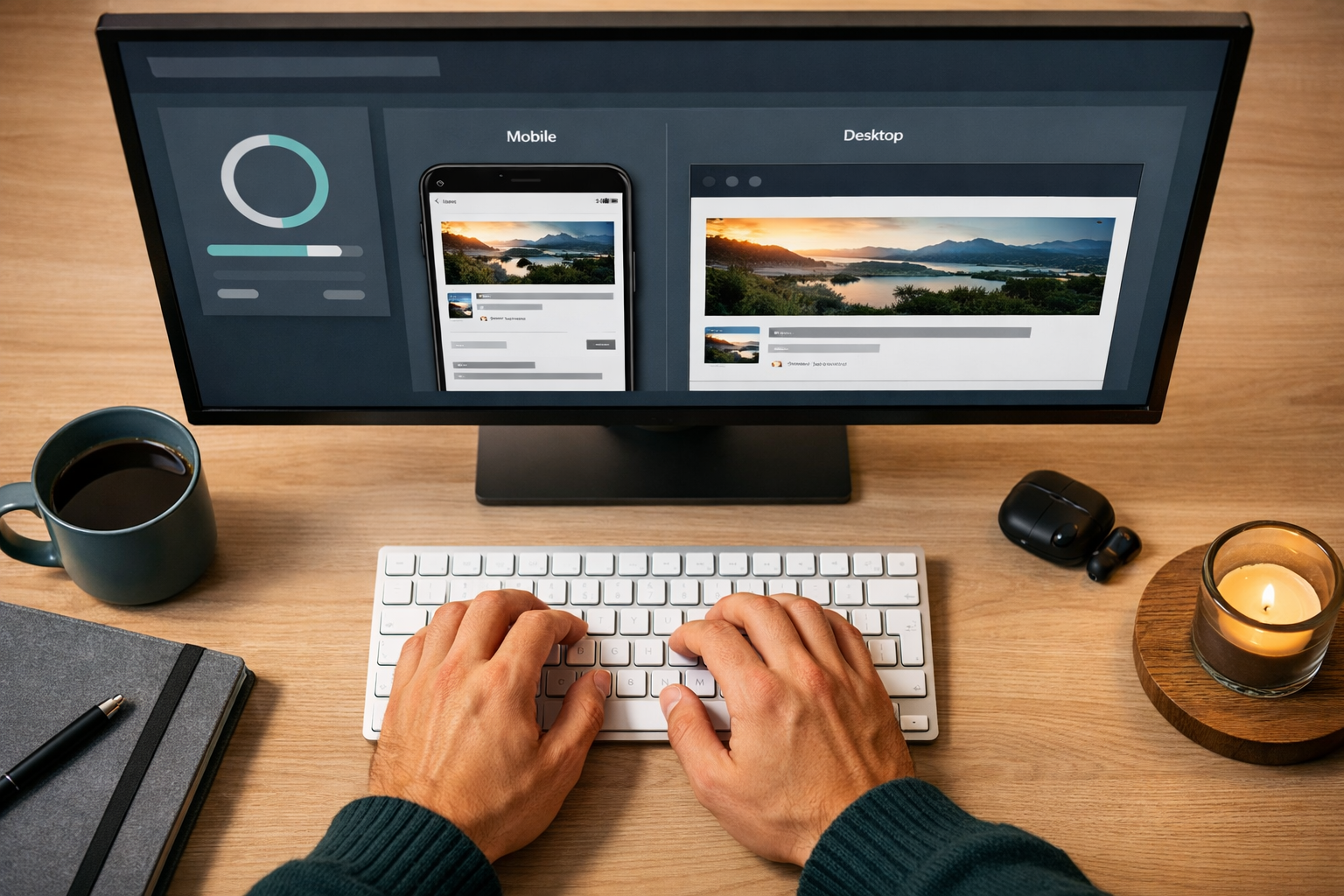
YouTube allows up to 100 characters in a title. Don’t use them all. Mobile devices cut titles off at roughly 50–60 characters depending on the screen size. If your key information is buried at the end, most viewers never see it.
The sweet spot:
- Desktop: 41–60 characters
- Mobile-first content: 30–40 characters
Front-load your keyword
Put your primary keyword in the first half of the title. Not because of keyword stuffing — YouTube’s AI (with Gemini integration in 2026) now reads your transcript and analyzes your visuals to understand what your video is about. But viewers still scan titles left to right, and search results still truncate from the right.
So “How to Edit Vlogs Fast (Beginner Tutorial)” works better than “A Beginner’s Guide to Fast Vlog Editing.”
Use brackets for context
Adding [2026], [Step-by-Step], or [Beginner Guide] at the end of a title slightly outperforms titles without them — especially for long-form content. They reduce uncertainty. The viewer knows what format they’re getting before they click.
Common mistake: writing for the algorithm, not the person
With YouTube’s current AI capabilities, keyword-stuffed titles like “Best YouTube Title Tips YouTube SEO 2026 YouTube Growth” actively hurt your CTR. They look spammy. Write the title you’d want to click on yourself.
How to Design YouTube Thumbnails That Stop the Scroll
Direct answer: Design thumbnails with bold, saturated colors, clean asymmetric layouts, and genuine facial expressions. Upload at 4K resolution. Make sure the image communicates something the title doesn’t.
The technical specs (non-negotiable)
| Setting | Requirement |
|---|---|
| Resolution | 1280×720 minimum; 4K preferred |
| File size | Up to 50MB |
| Format | JPG, PNG, or GIF |
| Aspect ratio | 16:9 |
Upload the highest resolution file you can. More YouTube viewers are watching on large smart TVs in 2026, and a blurry thumbnail on a 65-inch screen looks unprofessional fast.
Color and composition
Creators who are seeing strong CTR results right now are moving toward:
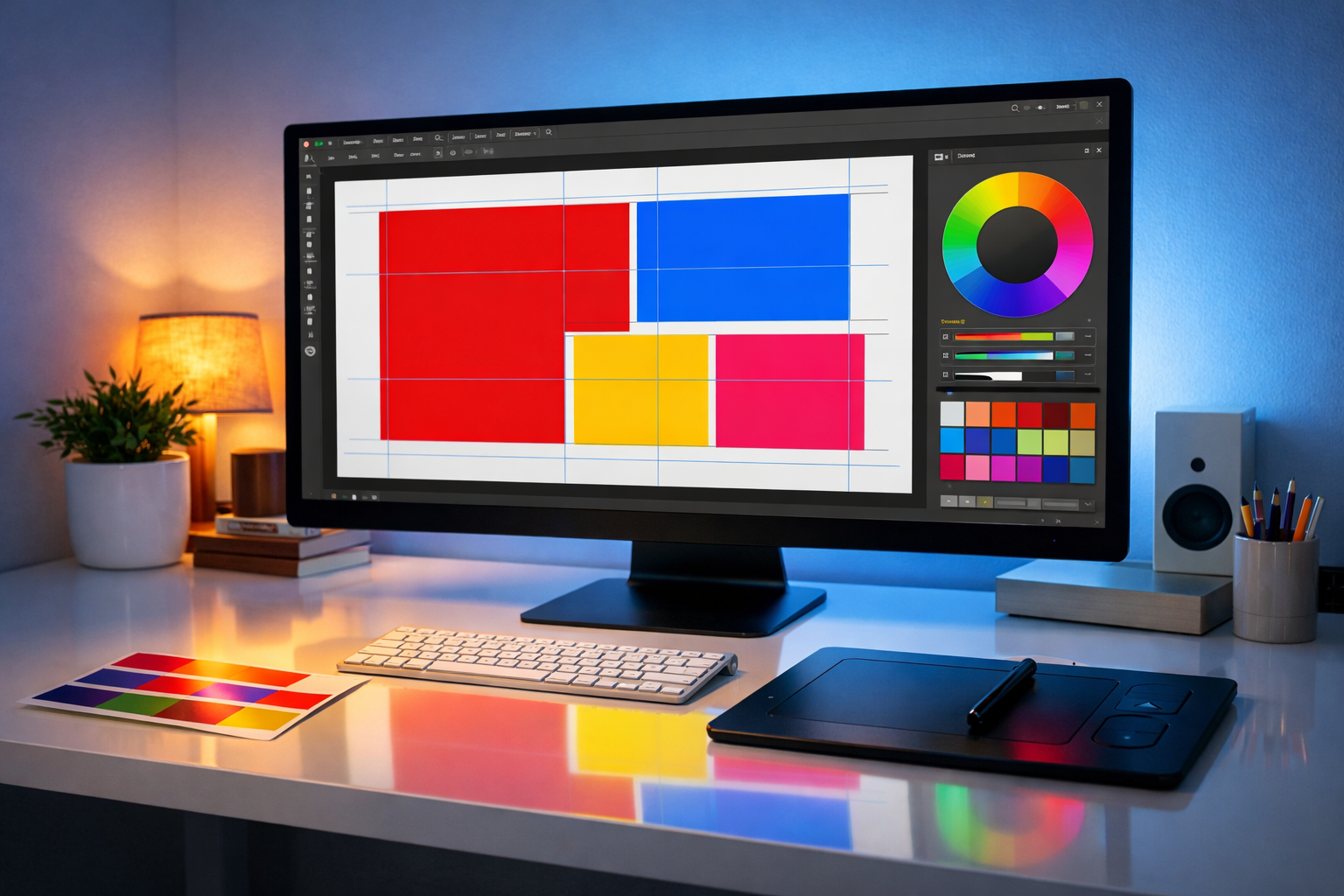
- Dark backgrounds with highly saturated accent colors (think deep navy with electric yellow, or black with vivid red)
- Asymmetric layouts that feel dynamic rather than centered and static
- Minimal text — one short phrase at most, in large bold type
Cluttered thumbnails with too many elements lose to clean, focused ones every time.
Facial expressions that work
If you’re showing a face (yours or someone else’s), use genuine micro-expressions — real surprise, real curiosity, real disbelief. Forced grins don’t trigger emotional responses. A slightly open mouth, raised eyebrows, or a sideways glance all outperform a standard smile.
Not showing your face? That’s completely fine. Check out these faceless YouTube video ideas for thumbnail approaches that work without a person in frame.
The “1+1=3” Rule: Making Titles and Thumbnails Work Together
Direct answer: Your title and thumbnail should communicate different information, not the same message twice. When they complement each other, CTR improves by 1–2 percentage points — which adds up to hundreds of extra views on high-impression videos.
Here’s how it works in practice:
- Thumbnail: Shows a dramatic before/after of a home office setup
- Title: “I Spent $200 Rebuilding My Desk — Here’s What Changed”
The thumbnail creates visual curiosity. The title adds the story and stakes. Together they’re more compelling than either one alone.
If your thumbnail already has text that says “DESK MAKEOVER,” don’t repeat “Desk Makeover” in your title. Use the title to add context the image can’t show — the cost, the outcome, the reason why.
This is one of the most overlooked aspects of how to optimize YouTube titles and thumbnails. Most creators treat them separately. The ones growing fastest treat them as one unit.
How to Test and Improve Your Titles and Thumbnails Over Time
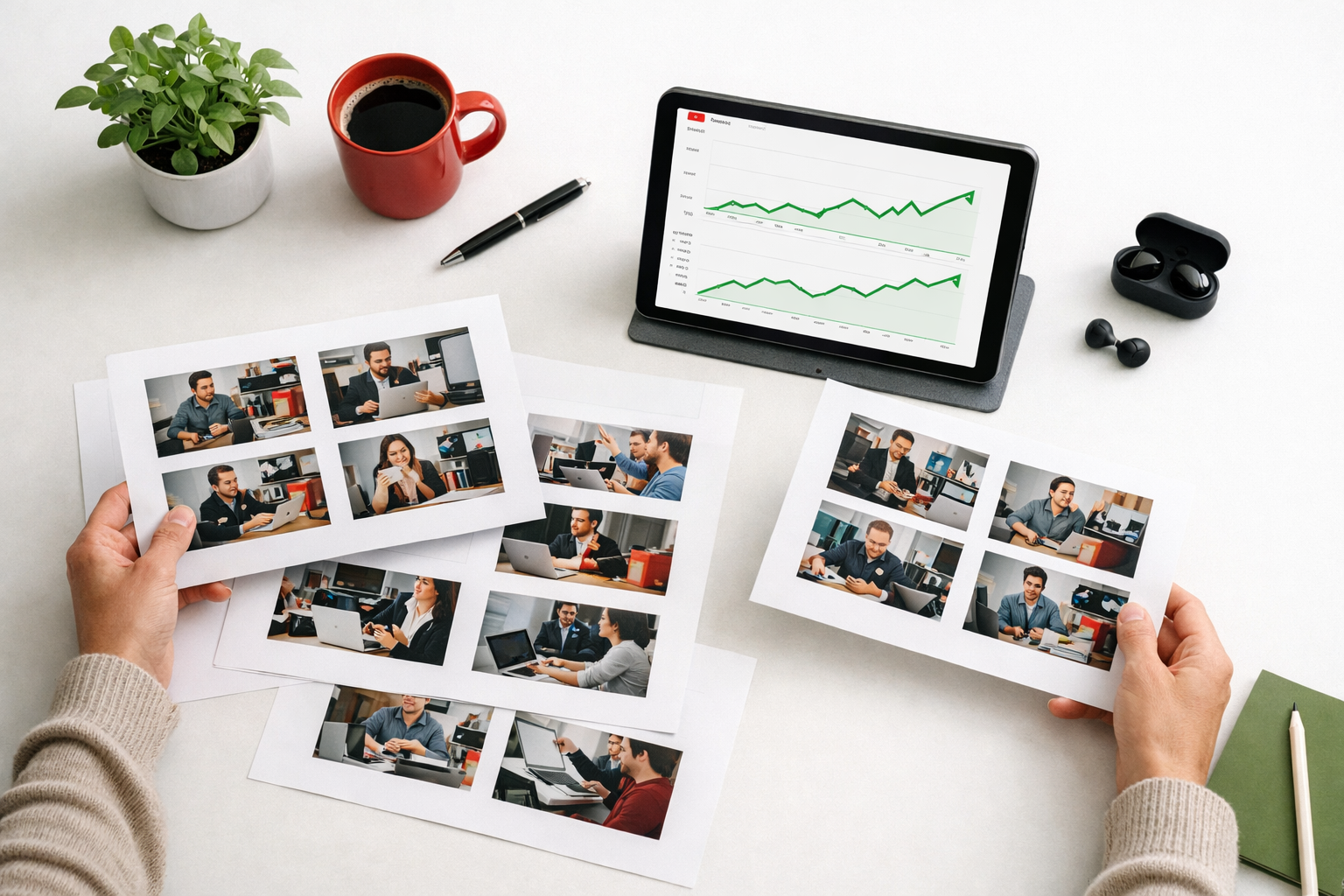
Direct answer: Use YouTube Studio’s built-in A/B testing tool to run thumbnail experiments. Review your CTR (click-through rate) and average view duration together — a high CTR with low watch time usually means your title or thumbnail is misleading.
What to track
- Impressions CTR: Aim for 4–10% as a healthy range (varies by niche and channel size)
- Average view duration: Should stay above 40–50% of total video length
- Traffic source breakdown: Check how much of your traffic comes from Browse Features vs. Search
A simple testing process
- Upload your video with your best thumbnail
- After 48–72 hours, create a second thumbnail variant
- Run the experiment in YouTube Studio for 1–2 weeks
- Keep the winner; archive the loser (and study why it lost)
Repeat this for every video. Over time, you’ll develop a strong instinct for what works in your niche.
If you want a broader look at what might be holding your channel back, our YouTube channel audit checklist walks through every element worth reviewing.
Should You Hire Someone to Design Your Thumbnails?
If design isn’t your strength, outsourcing thumbnail creation is a smart move — especially once your channel starts generating income. A professional thumbnail designer can often deliver better results faster than you’d get teaching yourself graphic design from scratch.
Fiverr has a strong pool of YouTube thumbnail designers at various price points. You can find freelancers who specialize specifically in YouTube thumbnails, understand CTR psychology, and can match your channel’s visual style. Browse YouTube thumbnail designers on Fiverr to see what’s available.
Similarly, if you want a title copywriter to help you craft high-CTR titles at scale, Fiverr’s SEO content writers can help there, too.
Common Mistakes That Hurt Your CTR
Even creators who understand how to optimize YouTube titles and thumbnails make these errors regularly:
- Clickbait titles with misleading thumbnails — destroys trust and tanks watch time
- Tiny text on thumbnails — unreadable on mobile screens
- Titles that are too vague (“My Weekend Vlog”) — gives the viewer no reason to click
- Repeating the exact same message in both title and thumbnail
- Uploading low-resolution thumbnails — looks blurry on large screens
- Ignoring mobile preview — always check how your thumbnail looks at small sizes
For a deeper look at what kills channel growth, see our breakdown of YouTube mistakes that hurt channel growth.
Conclusion
Learning how to optimize YouTube titles and thumbnails is one of the highest-leverage skills you can develop as a creator. You don’t need to be a graphic designer or a copywriter. You need to understand what viewers respond to, test consistently, and treat your title and thumbnail as one coordinated package.
Start with your next upload. Write three title options, pick the most specific one, check the character count, and make sure your thumbnail tells a different part of the same story.
Small improvements compound fast. A 2% CTR boost on a video getting 10,000 impressions is 200 extra clicks — for free. That’s the kind of win worth chasing.
For more YouTube growth strategies, browse our full YouTube tips library.
FAQ
What is a good CTR for YouTube thumbnails? A CTR between 4–10% is generally healthy, though it varies by niche, channel size, and where impressions are coming from. New channels often see higher CTR on smaller impression volumes.
How long should a YouTube title be? Aim for 41–60 characters for desktop visibility. If most of your audience watches on mobile, keep it closer to 30–40 characters so the full title shows before truncation.
Should my thumbnail have text on it? It can, but keep it short — one phrase, maximum five words, in large bold type. The text should add something the image alone doesn’t communicate.
What thumbnail resolution should I upload in 2026? Upload at 4K resolution if possible, with a file size up to 50MB. The minimum is 1280×720 at a 16:9 aspect ratio.
Can I change my thumbnail after uploading a video? Yes. You can update your thumbnail at any time in YouTube Studio. It often makes sense to test a new thumbnail on older videos that aren’t getting clicks.
Does keyword stuffing in titles still work? No. YouTube’s AI now understands video content at a semantic level by reading transcripts and analyzing visuals. Keyword-stuffed titles look spammy to viewers and don’t provide the ranking advantage they once did.
How often should I A/B test my thumbnails? Test on every video if you can. At minimum, run experiments on your videos that get the most impressions — that’s where a CTR improvement has the biggest impact.
What colors work best for YouTube thumbnails in 2026? Dark backgrounds with highly saturated accent colors are performing well. Think deep navy, black, or dark green paired with vivid yellow, red, or electric blue.
Should my title and thumbnail say the same thing? No. Use the thumbnail to create visual curiosity and the title to add context, stakes, or specifics. When they work together without repeating each other, CTR improves.
How do I know if my title is the problem or my thumbnail? Run a thumbnail A/B test first (it’s the easier variable to change). If CTR improves with a new thumbnail but watch time stays low, your title may be setting the wrong expectation.